

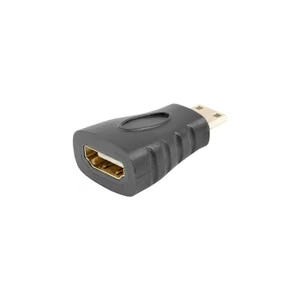
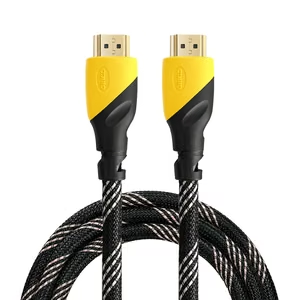
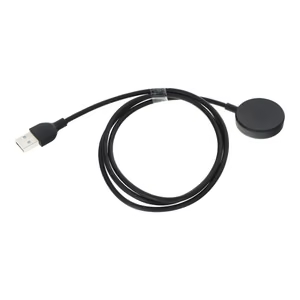
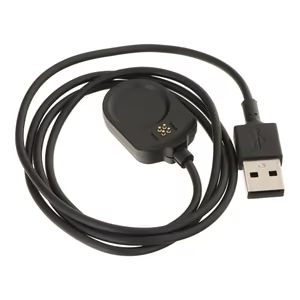
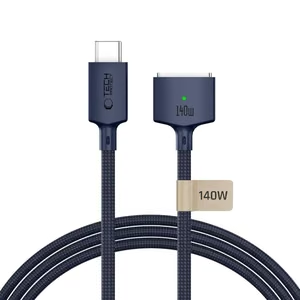
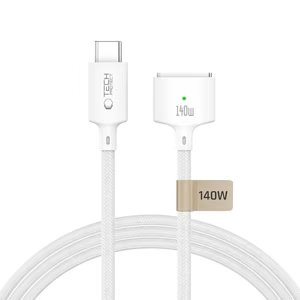
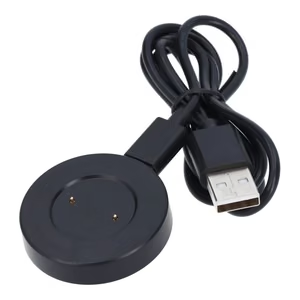
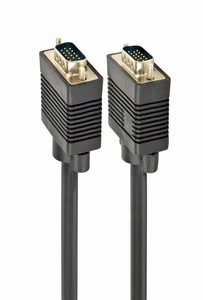
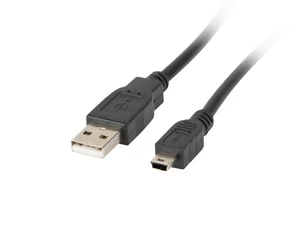
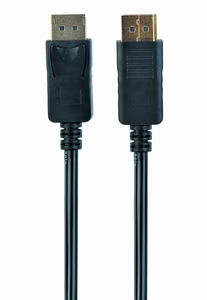
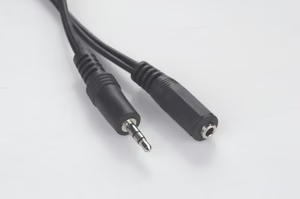
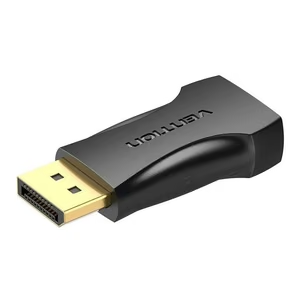
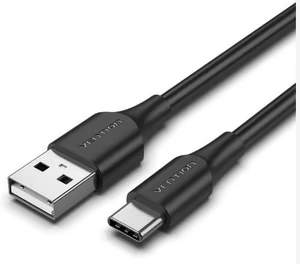
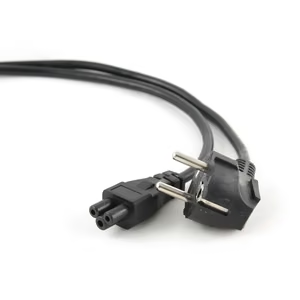
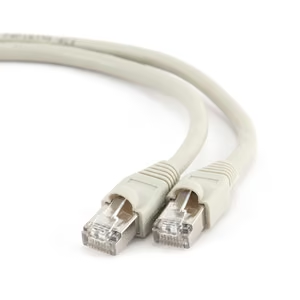
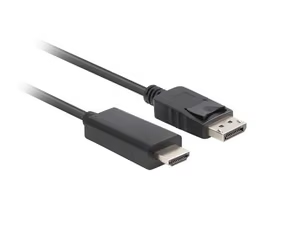
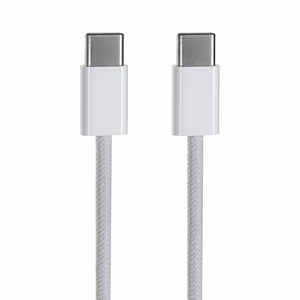
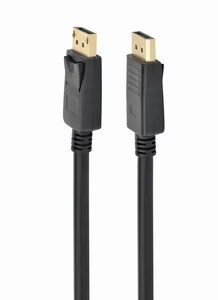
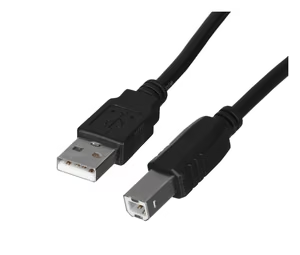
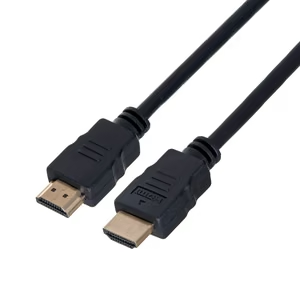
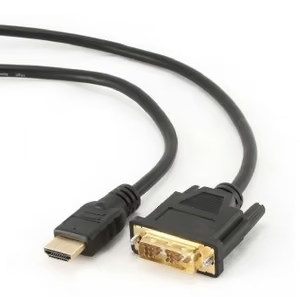
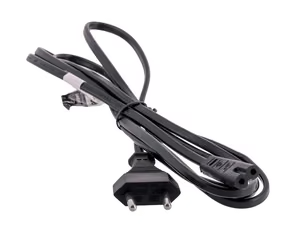
Three things count: the connectors, the length, and how much current the cable will actually carry – one rated for 5 A keeps fast charging going, a weaker one holds it back. You will find USB-C to USB-C, USB-A to USB-C and Lightning cables in various lengths, versions with 3-in-1 tips, and the cables that belong beside a computer: DisplayPort, SATA and OTG adapters. For copying data, look for a separate speed rating – a cable meant for charging may not support fast data transfer.
Find accessories for your phone
Select manufacturer and model
Frequently asked questions
Does fast charging damage the battery?
Can I use any USB-C charger?
Wireless or wired charging — which is better?
How powerful a charger do I need?
What power bank capacity should I choose?
Three things count: the connectors, the length, and how much current the cable will actually carry – one rated for 5 A keeps fast charging going, a weaker one holds it back. You will find USB-C to USB-C, USB-A to USB-C and Lightning cables in various lengths, versions with 3-in-1 tips, and the cables that belong beside a computer: DisplayPort, SATA and OTG adapters. For copying data, look for a separate speed rating – a cable meant for charging may not support fast data transfer.